New cars come with tons of tech; we're here to help make sense of it
With thousands of vehicles in our inventory, we’re here to help make car research easier for you. We’ve partnered with car-review experts from Edmunds to weigh in on what matters most when you’re looking to buy a truck or car.
***
Getting into a modern vehicle could be a shock. Screens everywhere! Driver assist! Automatic everything! It can be overwhelming, especially if you've been living a relatively analog existence in a car that's 10 or more years old.
But don't worry, we're here to help you navigate these features, and more importantly, help you decide which ones you really want. In fact, we have a whole video with Edmunds experts Brian Wong and Emme Hall going in depth on a wide-ranging array of tech topics. But for now, let's take a close look at the most obvious new car tech: touchscreens.
Touchscreen Madness
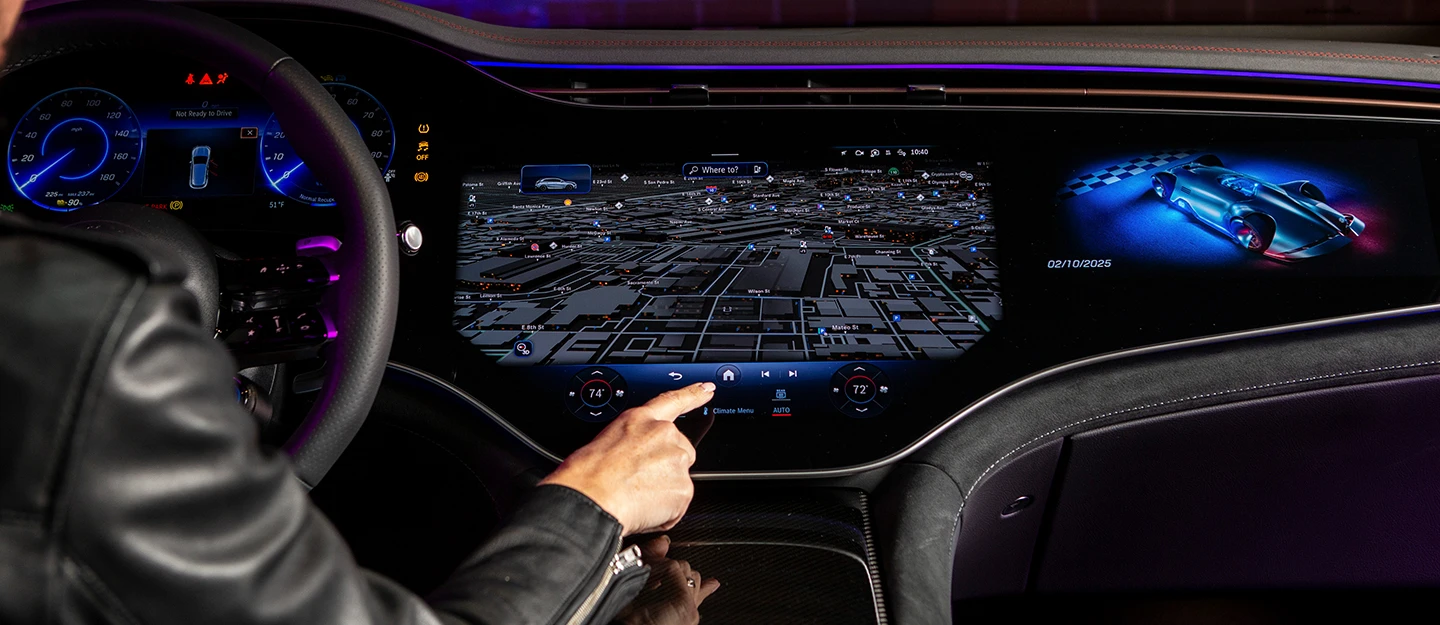
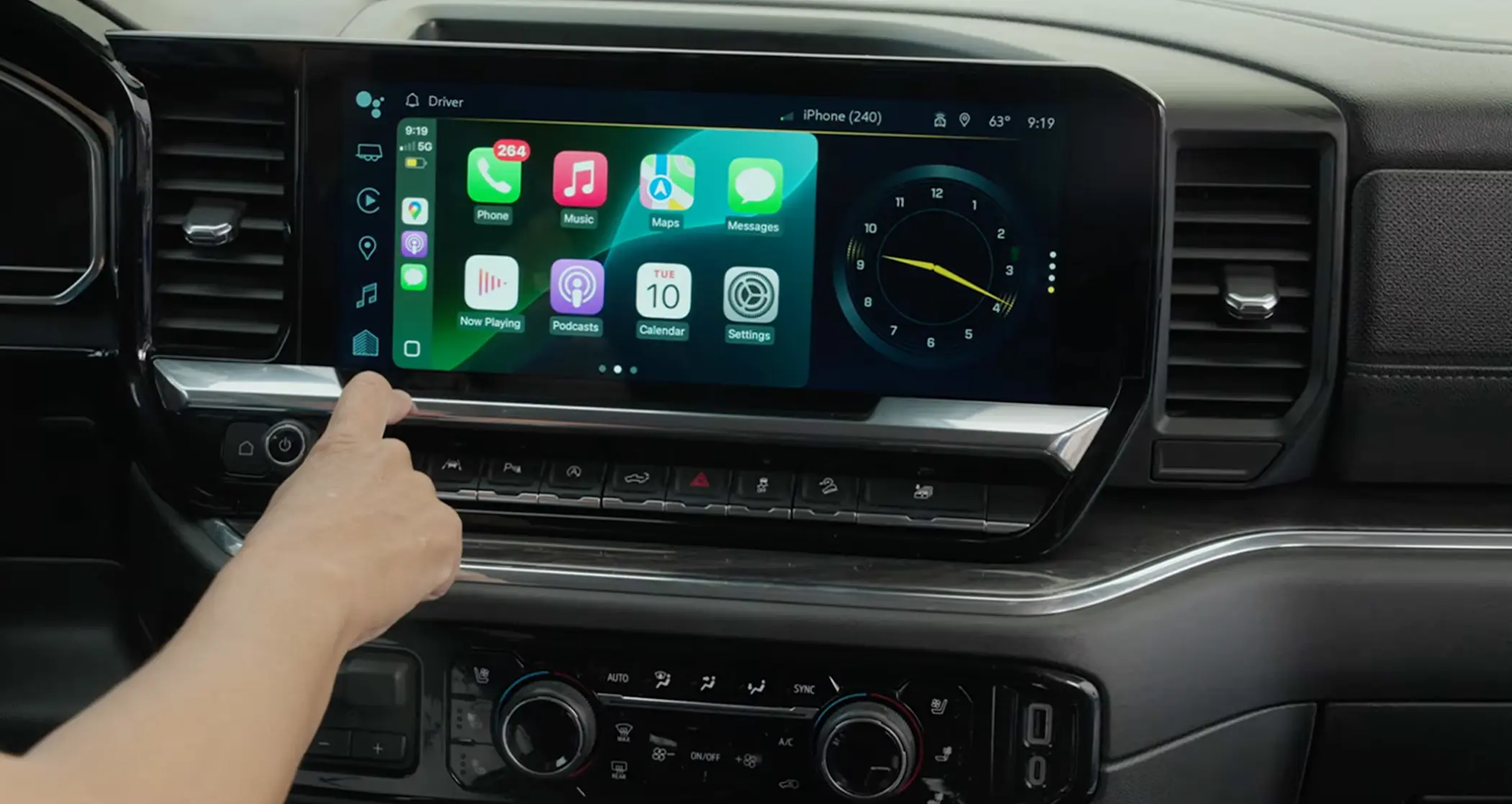
There are so many screens in modern car interiors that it sometimes looks more like a Best Buy showroom than something you'd drive. Whether it's cleanly integrated into the dash or plunked on top like a forgotten iPad, touchscreens are as commonplace in cars today as a gas pedal. But some are better than others, and it begs the question: What makes a good screen? Obviously, it has to be visible in direct sunlight and easy to reach. Beyond that, here are a few things to keep in mind.
Response time
When you use a new smartphone, its responses are instantaneous. Want to check your socials? Tap the icon and, boom, there's Instagram. The same should be true of your car's touchscreen, especially with screens now including features like climate control.
But too often, there's a noticeable delay between when you tap and when the screen responds. That lag, or latency, can make the screen more frustrating to use. Let's say you're trying to select a different radio station; you reach over and tap the "SiriusXM" icon, but nothing happens for a moment. You assume maybe you missed your target and tap again, but just before your fingertip touches the screen a second time, your first input is finally recognized, the screen changes, and you wind up tapping something entirely different. So you have to tap the back button, pause long enough for the touchscreen to catch up to you … you get the point.
These delays aren't just frustrating; they can cause you to take your eyes off the road. Even if you're only going 30 mph, that's 44 feet every second, and if you're focused on the screen instead of the road for a few seconds, well, a lot can happen in 44 feet.
Screen size
Once, automakers bragged about horsepower or fuel economy. Now they brag about screen size. After all, a bigger screen is easier to see at a glance, the icons are bigger and easier to tap, and automakers can split the screen to put multiple functions onto a single screen instead of making you switch all the time, which is great for usability.
Just remember, bigger isn't always better. A big laggy screen is just as bad as a small laggy one, and sometimes automakers use a screen that's physically big but isn't very high-resolution, resulting in fuzzy images. As Senior Reviews Editor Brian Wong says, "A big screen doesn't always mean good design, and a good design doesn't need a big screen."
Rather than size, consider how many things go through the screen. Are there still physical climate controls, or are they incorporated in the touchscreen? Is there a volume knob? Beyond that, how many taps does it take to perform basic functions? For example, if you can adjust your temperature with a single tap, that's good; we call it a "shallow" function. But if you find yourself doing multiple taps for common functions, that's bad.
To smartphone or not?
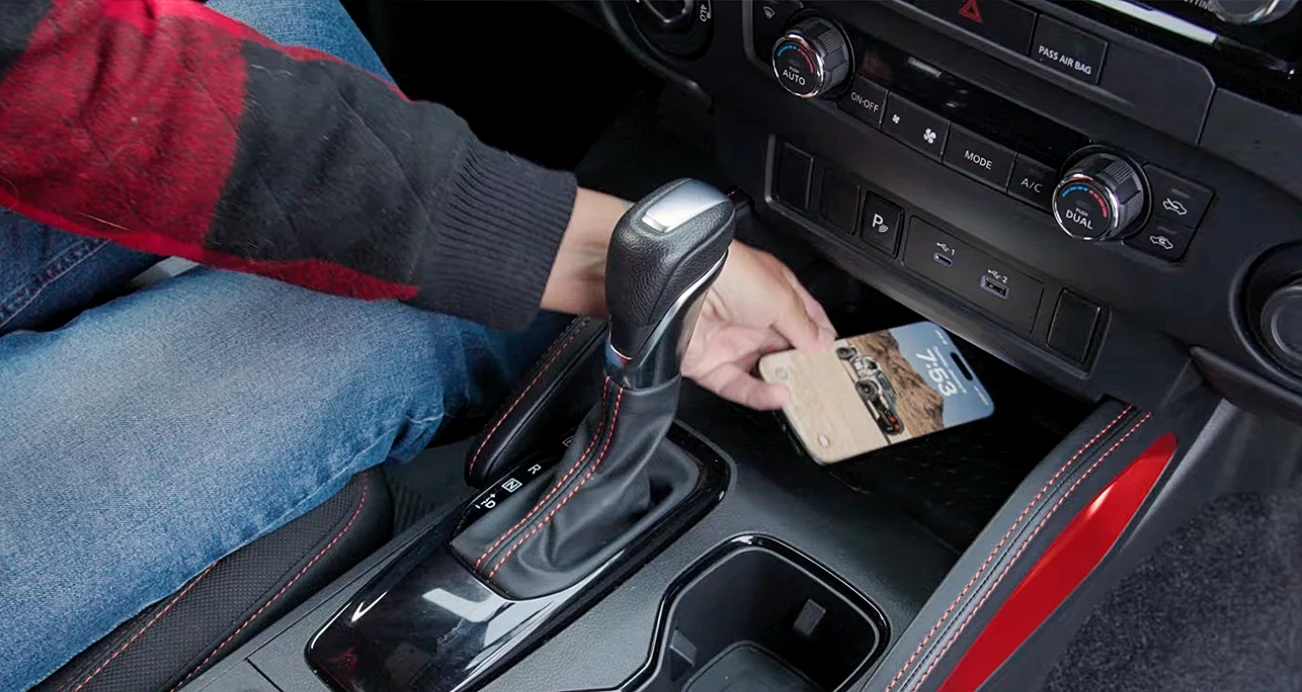
Apple CarPlay® and Android Auto™ have revolutionized in-car entertainment and communication by bringing your phone's familiar interface to the touchscreen and allowing you to use many of your phone's apps (such as those for messaging, music, and more) while you're driving. But some automakers—Tesla, Rivian, GM with its electric vehicles, and a handful of others—insist on going their own way and don't offer smartphone integration. Granted, their interfaces are pretty sharp, and all have workarounds that let you use many of the same functions as an integrated smartphone. So is it really necessary?
Yes, absolutely, without question. Kudos to those automakers for going their own way, but like we've said before, it's a lot easier to integrate a phone into a car than to try to make a car a smartphone.
Keith’s take
Touchscreens are here to stay, and my preference is for something that's responsive above all else. I'm also a dedicated smartphone user, so no Apple CarPlay® or Android Auto™ is a deal killer for me. When you're shopping, note how long it takes for the touchscreen to become fully active when you start the car, and be sure to tap around and use it. If it doesn't respond quickly enough for your tastes, you might want to keep looking.
Driving Technology
Beyond touchscreens, technology has become a big part of simply driving a car. Advanced driver-assist systems (ADAS) like blind-spot detection and forward collision warning have been expanding our awareness for more than two decades, but more modern systems help drive the car in heavy traffic, keep you in your lane on long drives, and even fully take over driving under certain circumstances. But which ones do you really want?
Smart driving tech
Functions that expand your awareness and your reaction time have a lot of merit. Blind-spot warning has been around for a long time, and newer systems use the same sensors to help detect when cars are approaching from the side when you're reversing, which is helpful when it's difficult to see. Automatic emergency braking (AEB) has proven so useful that the government is mandating it in all new cars starting in September 2029. But you don't have to wait since most cars sold in the past decade come with AEB standard or offer it as an option. If the car you're looking at has it, get it.
But it's not always about preventing crashes. Many modern cars have combined adaptive cruise control and lane centering into something called "traffic jam assist." Basically, you set a speed, and the adaptive cruise slows or accelerates depending on the speed of the car in front of you, even if it comes to a full stop. Lane centering helps keep the car in the middle of the lane rather than nudging it back if you start to drift. The upshot is that your commute gets a whole lot easier, making the tedious chore of sitting in traffic a little less frustrating. On the open road, the combination makes road trips easier by reducing driver strain and providing a more fatigue-free experience. If you have a heavy commute, take long road trips, or both, it's worth the extra stretch.
Autonomous driving?
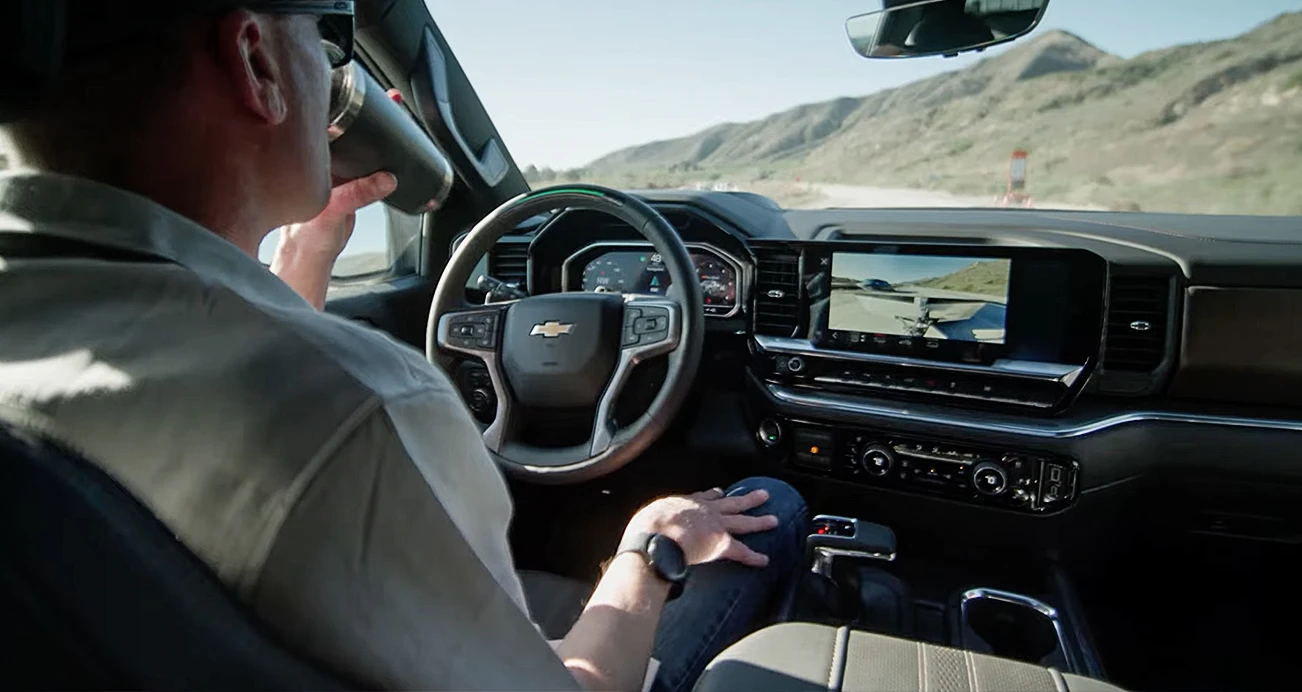
To be clear, no automaker is currently offering a fully self-driving car. Even Tesla's system is officially "Full Self-Driving (Supervised)," that parenthetical indicating you're required to pay attention. However, there are some half-steps that are worth considering. General Motors has Super Cruise®, which allows for hands-free driving on hundreds of thousands of miles of highways around the U.S. While you still need to keep your own eyes on the road, it's a compelling system that makes road trips a snap. The same is true of Ford's BlueCruise, although the GM system is available on more roads. The Tesla system, and upcoming tech from Mercedes-Benz and others, have even more capability, navigating city streets, stopping at traffic signals, and even detecting pedestrians.
It's all very cool, but the reality is that none of it is truly autonomous yet. They're meant for particular use cases, especially the highways-only Super Cruise® and its equivalents.
Keith’s take
As a Los Angeles resident, I'm all in on tech that takes over during a bad commute. I also enjoy road trips, so if a car can handle those long Interstate stretches, that's fine with me. As for Tesla's so-called "self-driving" mode, it's compelling tech to be sure, but the extra vigilance required seems to diminish the promise of reduced fatigue, kind of like having your 16-year-old drive you to the store. While I'm not a huge fan of extraneous beeps from collision warning systems, remember above when I mentioned how just a second or two of distraction can lead to a crash? Having automatic emergency braking could be very useful there.
Step Into the Future
Technology marches on, and touchscreens and active driving systems are here to stay. The key isn't to reject them, but to get the best ones your budget allows. Of course, this just scratches the surface; Brian and Emme go into a lot more depth in their video, so here's your second chance to check it out.

Keith Buglewicz has worked in the automotive industry since 1994, writing thousands of car-related articles, and he's tested and reviewed hundreds of vehicles over the course of his career. Keith is the managing editor of CarMax at Edmunds, and his byline can be found at KBB, MotorTrend, Autobytel and many others. Keith considers himself exceptionally lucky to be working the dream job he’s had since high school. See Edmunds' testing procedures that power our industry-leading car reviews.